
Skip to product information
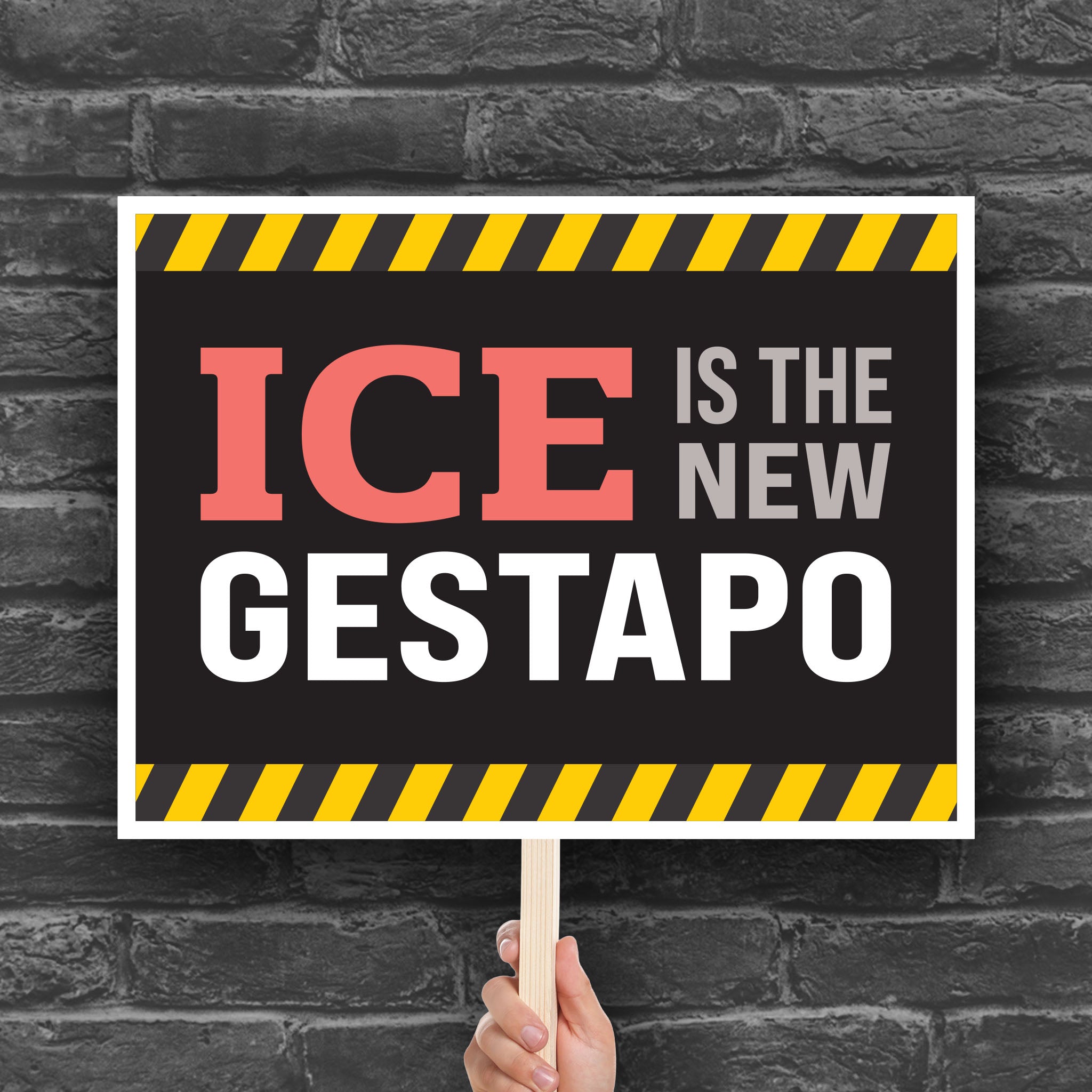


ICE Is The New Gestapo protest sign (horizontal digital download)
Sale price
$4.89
Regular price $6.99

Digital download only
You will receive digital files that are ready for you to print at home or send to a vendor to print. No physical sign will be shipped.
This “ICE Is the New Gestapo” protest sign uses the visual language of a danger warning to deliver an intentionally provocative political message about immigration enforcement and government power. The comparison to the Gestapo invokes the Nazi-era secret police and its association with authoritarian repression and political persecution.
This downloadable, printable protest sign is designed for rallies, marches, demonstrations, political events, or display in a yard or window. Use it to resist cruel immigration enforcement, stripping of civil liberties, and opposition to ICE.
For personal use only. May not be shared, copied, resold or redistributed. Not for resale or commercial use. All rights to the designs and files remain with WaveLoudly/Valarie Stuart.
Included sign dimensions
File format(s)
Digital download delivery
- No physical product will be shipped to you.
- You will receive digital files that are ready for you to print at home or send to a professional printing vendor.
- Your files will be available immediately after your purchase is complete. You will receive an email from WaveLoudly with a link to download your files.
- If you encounter any issues with your download, contact us and we'll help make it right.
Return policy
Due to the nature of digital download purchases, all digital download products are non-refundable. Please review the product information carefully before purchasing, and contact us if you have any questions.
Our goal is for you to be completely satisfied with your purchase. If something goes wrong with your order, let us know and we'll do our best to make it right.
Copyright & original artwork
All WaveLoudly designs are original artwork protected by copyright. Reproduction, resale, commercial use, or redistribution of our artwork is prohibited. We actively protect our work through DMCA takedowns and other legal action when necessary.
Thank you for supporting independent artists and ethical creative work.
Digital downloads
This sign is a digital download. No physical signs will be shipped to you.
- When your purchase is complete, you'll receive an email with a link to download your sign files.
- Your order receipt will also include a link to view your order, where you can download your files.
- The files will be packaged into one or more compressed ZIP files. Unzip the files to view and use all included sign files.

How to unzip files
MacOS: Find the .zip file. Double-click the file. Your Mac automatically creates an unzipped folder in the same location.
Windows: Find the .zip file on your computer. Right-click the file and select 'Extract All'. Choose where you want to save the files, or keep the default folder. Click 'Extract'.
iPhone/iPad: Open the Apple Files app, locate the .zip file, and tap on it to automatically extract the contents into that folder.
Android: Use the built-in Files by Google app, tap the .zip file, and select 'Extract'.

Printing your signs at a vendor
Once you unzip your download, choose the file you want to print by size, color, and format.
For larger signs, we recommend ordering prints from stores like FedExOffice, Office Depot, or Staples. You can place your order online, upload the PDF or JPG file, and they'll usually have it printed within 24 hours.
If your sign downloads include PDFs, provide the PDF file for best quality output of our vector-based designs.

Printing your signs at home using pre-tiled files*
When you need a sign fast and don't have time to send a out to a printer, you can build your own large sign from your home printer by piecing smaller sheets of paper together.
For signs that include PDFs, files with pre-tiled pages are included. Open a file labeled "_tiles." Print all pages in the file. You'll see crop marks on each page. Trim the printed pages to the crop marks, then tape them together to make a large sign.
* PDFs only. JPGs do not include tiled files.